Property Manager Guides
Access Control Down? A Property Manager's Emergency Checklist
October 22, 2026
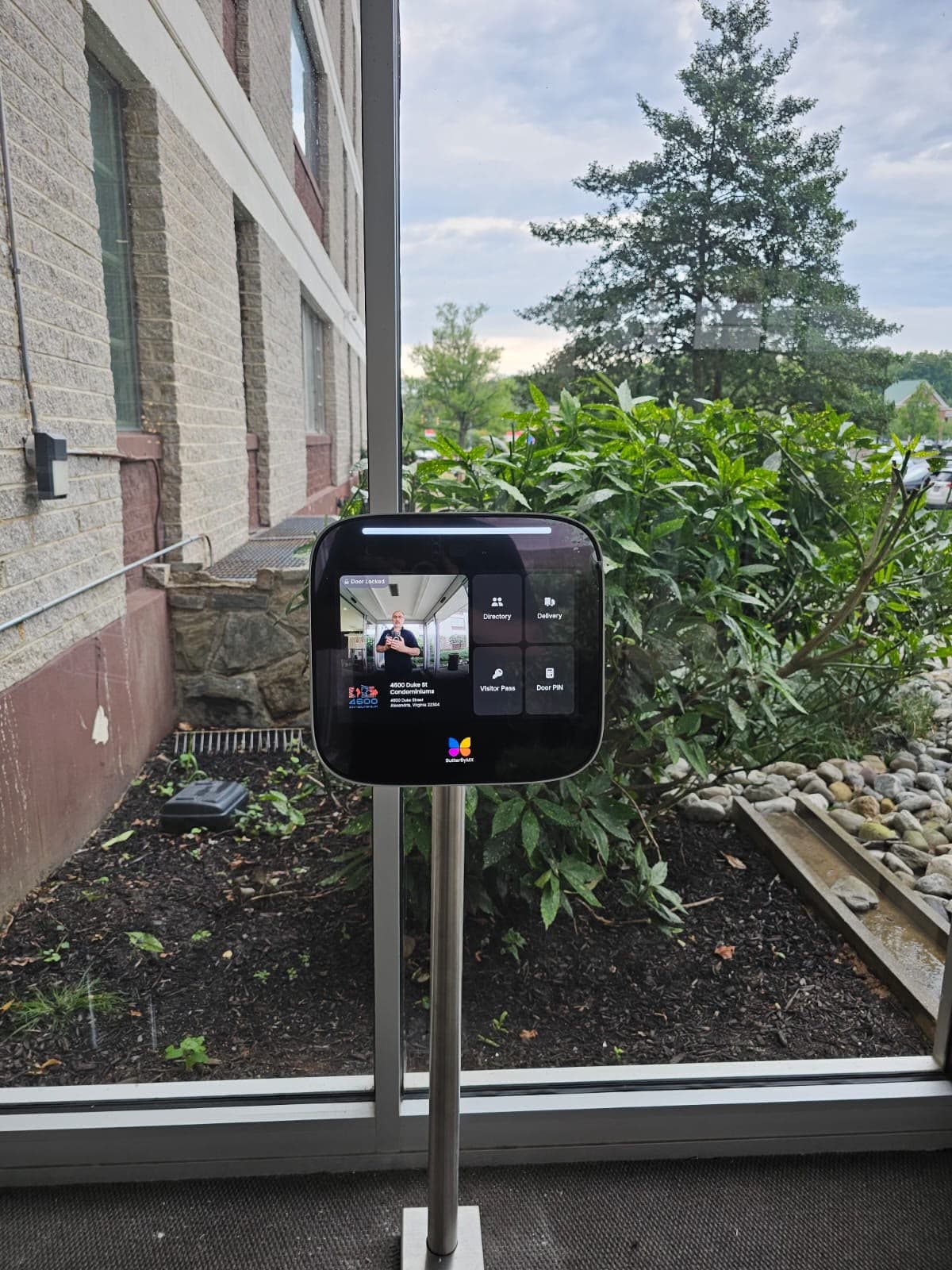
When a door stops locking or a card reader goes dark, the first hour matters more than anything that comes after it. Here is the checklist I give property managers so they can secure the building, figure out what failed, and know when it's time to call for emergency service.
1. Secure the opening first
Before you troubleshoot anything, decide how that door is going to be secure for the next few hours.
- If a door won't lock, staff it or lock it mechanically with a key if the hardware allows it.
- If a door won't unlock, make sure there is another code-compliant way out of the space and that residents or tenants know which entry to use.
- Never prop a fire-rated or egress door, and never disable egress hardware to get people in. Fixing the access problem is never worth creating a life safety problem.
2. Figure out how big the failure is
One door failing and every door failing are very different problems.
- One reader or one door: usually a local issue, like a failed reader, a strike or maglock that lost power, a loose connection, or a door that is out of alignment.
- Several doors on the same floor or panel: often a power supply, a controller, or a network switch.
- Everything at once: check whether the building lost power, internet, or a circuit recently. Cloud-based systems like ButterflyMX and Brivo need their network connection to work normally.
- Intercom only: check whether residents can still be called, and whether the issue is the device, the network, or the phone app.
Write down what you see. A technician who knows "doors 3 and 4 stopped at 2pm after the electrician was here" will find the problem much faster than one starting from scratch.
3. Check the easy things
These take five minutes and solve more calls than you'd expect:
- Is the door actually closing and latching? A door that drags or doesn't fully close won't lock no matter how good the hardware is.
- Is there power at the panel? Look for tripped breakers or unplugged power supplies.
- Did anything change recently? New construction, a painter, an electrician, a network change, or a new internet provider are common culprits.
- Is the problem one user's fob or phone, or everyone's?
4. Know when to call emergency service
Call for same-day emergency service when:
- A perimeter door, lobby entry or garage gate won't lock and you can't staff it.
- Residents or tenants can't get in and there's no workable alternate entry.
- A regulated business can't operate without the door or cameras working.
- Cameras covering entries or sensitive areas are offline.
It can usually wait for a scheduled visit when a single interior door is affected, the opening can be secured another way, and nobody is locked out.
5. Have this ready when you call
- Property address and the exact doors or devices affected
- The system brand if you know it (ButterflyMX, Brivo, Kantech, DoorKing and so on)
- When it started and anything that changed recently
- Who can meet the technician and give access to the panel and network closet
6. After the repair, ask what caused it
A good emergency repair ends with an answer, not just a working door. Ask your technician what failed and why, and whether anything else on the system is likely to fail the same way. A lot of the emergency calls we take are on systems that were never wired correctly in the first place, and fixing the root cause is what keeps you from calling again next month.
Need help now?
Innovative Developments offers same-day emergency dispatch for access control, intercoms and cameras across Maryland, Virginia and Washington, DC. We're licensed, insured to $5M, and we work on systems other companies installed. Call 301-363-7347.